Why isn't a PDF behind the QR code good enough?
Because a PDF is made for paper, not for phones. Guests have to pinch to zoom, drag the page sideways to read one line and zoom back out to find the next category. We wrote this into the case study for our digital menu: PDF menus are hard to read on a phone and don't sell anything.
There are two less visible problems as well. A PDF with large photos downloads slowly on a weak connection out on the terrace, so the guest stares at a blank screen for a few seconds. And every price change means editing the file, exporting it again and uploading it, which is exactly the work you wanted to get rid of.
A text menu built as a web page adapts to the screen width, loads in pieces, can be searched and translated by the browser and can be read by the screen readers that people with visual impairments rely on.
Where should the menu live: on your domain or with a QR service?
On your own domain, for example a page on your website or a subdomain like menu.yourrestaurant.com. The printed QR code points to a fixed address; if that address is yours, you can change the provider, the design or the technology behind it at any time without reprinting anything.
Many “dynamic” QR generators work differently: the code points to their address first, which then forwards the guest to your menu. It's convenient at the start, but if the subscription lapses, the service shuts down or changes its terms, every code on every table stops working the same evening. Before you print, scan the code and check which address appears in the browser bar.
A static QR code that contains your own domain's address directly never expires and depends on nobody. If you want to know how many guests scan it, you can measure that on your own page, with no middleman.
Who updates the menu, and how often?
Your own team, whenever something changes, from a simple panel. If every change has to go through a developer or an agency, the menu only gets updated when someone has time, which means not often enough.
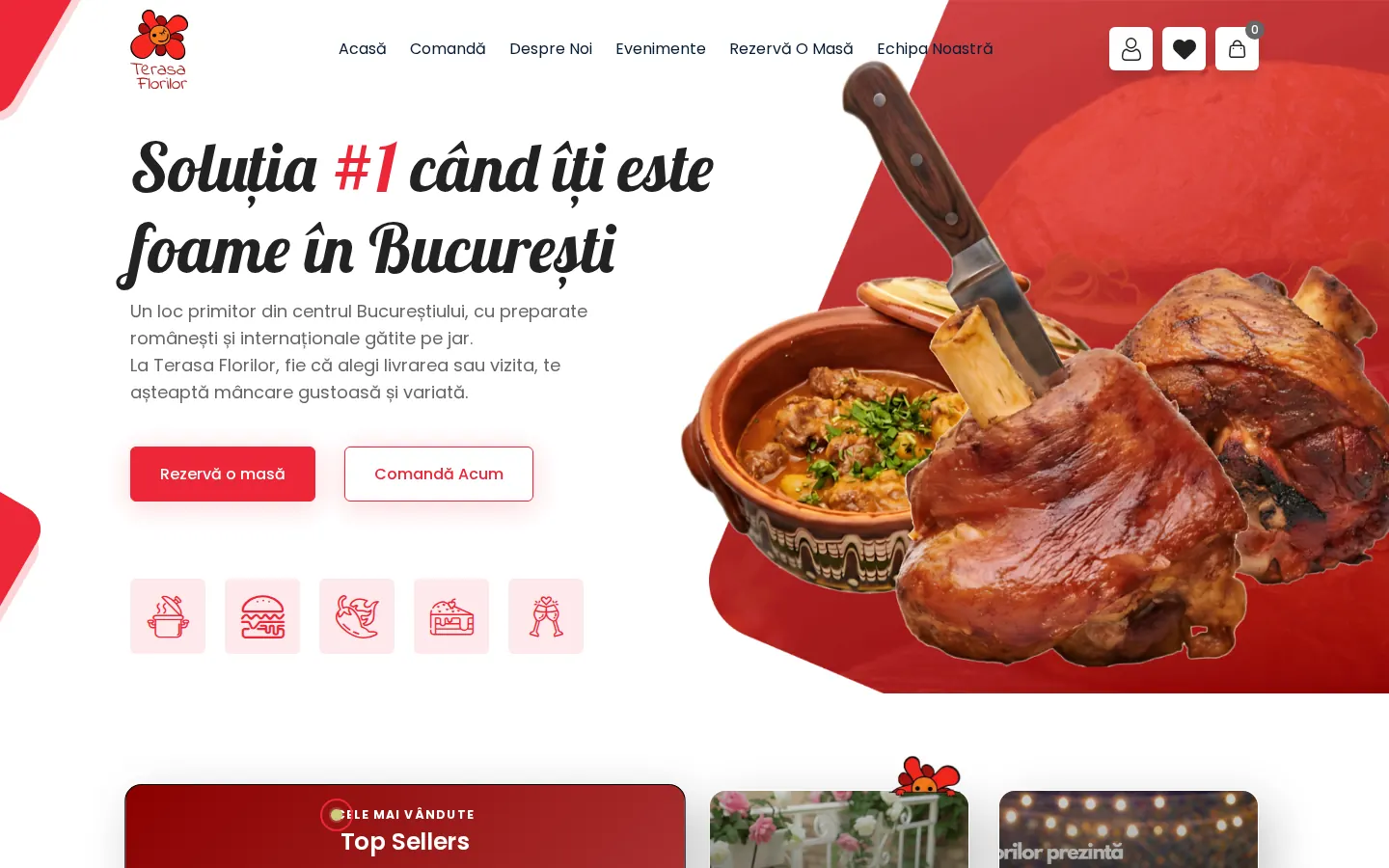
At Terasa Florilor, the menu and events changed every week, and the old website needed a developer for every edit. On the new site the team edits products, photos and events on its own from the admin panel, and the AR digital menu is managed from a panel too, with no reprinting.
A good habit is to check the digital menu on your phone every time you change prices at the till. If you use a management system or a POS, ask whether prices can flow straight from there so you don't enter them twice.
What does a digital menu cost, and what else can the QR code do?
At ZED-ZEN, a digital menu is included in every website package. The Starter package starts from 1,500 RON and includes 5 to 8 pages, the digital menu, SEO, GDPR basics and the first year of hosting, and a simple site is usually ready in 1 to 2 weeks. Maintenance, covering hosting, updates and small changes, starts from 100 RON a month.
The code on the table can do more than open the menu. The same kind of NFC + QR card can take a guest straight to your Google review page, as the Pulse module in HoReCaOS does, or validate loyalty points. Just don't cram them all into one code: a guest who wants the menu shouldn't have to wade through a review form.
What to ask for before you pick a provider: the menu lives on your domain, your team can edit it, the page loads quickly on an ordinary phone and you can print a paper version from the same data whenever you need one.
Frequently asked questions
Do I still need a printed menu if I have a QR menu?
Yes, a few copies. Some guests can't or won't scan, phones run out of battery and the internet sometimes drops. The digital menu becomes the main version and the printed one is the backup.
Do I need to show allergens on the digital menu?
Allergen information has to be available to guests for food served in restaurants too. The digital menu is the easiest place to keep it up to date. Check the current rules on the official food safety authority pages.
Do QR codes expire?
A static QR code that contains your own address doesn't expire. “Dynamic” codes from third-party services go through the provider's address and can stop working if the subscription lapses or the service shuts down.
Can guests order straight from the QR menu?
Yes, but that's a different level of project: a cart, payments and a link to the kitchen. At ZED-ZEN, a site with online ordering, cart and payments starts from 2,200 RON; a read-only menu is included from 1,500 RON.