What does it actually mean to organize a restaurant?
Organizing a restaurant means that every repeating task has an owner, a clear step and a place where the result shows. Taking orders, receiving goods, planning the team's schedule and closing the day happen dozens of times a month; if each one depends on someone's memory, the costly errors appear: wrong portions, lost stock, overlapping shifts.
Order matters. First you decide who decides what, then how information moves between the floor, the kitchen and the till, and only then do you pick tools. Many venues do it backwards: they buy a program expecting it to bring order, and the program just copies the chaos that was already there.
A simple test: if the manager is away tomorrow, can a new person find out in ten minutes what to do at opening, at goods receiving and at closing? If not, the organization still lives in someone's head, not in the venue.
Who is responsible for what in a restaurant?
Each area has one named owner, even if three people work there. The floor, the kitchen, purchasing and money (takings, invoices, payments) are the four areas that need a name next to them. In a small venue one person can hold two areas, but no area should be left with nobody.
Write on one page what each person decides without asking anyone else: who can comp a dish, who can take an item off the menu when an ingredient runs out, who approves a goods order, who closes the till. Limits make the team faster, because nobody waits for an answer on small things.
If you are the owner and you do everything, the goal is not to disappear from the venue but to hand repeating decisions to people and keep for yourself only prices, suppliers and the numbers.
- The floor: welcoming guests, taking orders, table service, the bill.
- The kitchen: prep, portioning, cleaning, what is prepared ahead.
- Purchasing: supplier orders, goods receiving, stock.
- Money: the day's takings, supplier invoices, payments, the week's numbers.
How should an order travel from the table to the kitchen and the till?
An order should be entered once and reach every place that needs it on its own: kitchen, bar and till. Every time someone rewrites or repeats the order on another slip or by shouting, a mistake becomes possible and a minute is lost.
A good flow has four steps: the waiter enters the order, the kitchen receives it with the guest's notes, dishes reach the table in a clear sequence, and the bill closes from the same order with no recalculation. If you also sell through delivery apps, those orders should land in the same place, not on a separate phone.
Each sales channel (dine-in, takeaway, delivery) has different margins, because the platforms take a commission. That is why takings are worth tracking by channel from the start: otherwise you see the total but not where you earn and where you don't.
How do you organize stock and goods receiving?
Stock stays clean when every entry and every exit has a document and a person who confirms it. At receiving, someone checks the goods against the invoice and the order, then books them into stock with a goods receipt note (NIR in Romania). Without that step, invoices get paid on trust and differences show up only at stocktake.
For exits, the good link is the recipe: when you sell a dish, its ingredients leave stock in the quantity written in the recipe. That tells you what should be on the shelf, and you can compare it with what is actually there. The gap between the two numbers is waste, theft or portions bigger than the recipe.
Do a short count on your most expensive items more often rather than a big one rarely. A weekly count of ten products tells you more than a monthly count of hundreds, because you catch the problem while you can still remember what happened.
How do you run shifts and time tracking without WhatsApp groups?
The team schedule should live in one place, published ahead of time, with shift swaps and leave requests recorded there rather than in messages. A chat group is fine for announcements but poor as a source of truth: messages get lost, and who swapped which shift can no longer be shown.
Pick a few simple rules and write them down: how far ahead the schedule is published, how swaps are requested, who approves. Then time tracking: the hour each person started and finished, recorded on the spot rather than rebuilt from memory at month end. Compare planned shifts with worked ones: the gap shows where you plan badly.
Staff cost is usually the biggest expense after goods, so any order you bring here shows up quickly in the numbers.
Which numbers should you check every week?
You check few numbers, but every week at the same hour: sales by channel, food cost, staff cost and losses. If you only see them at month end, you find the problem after it has already repeated four times.
Food cost is the cost of the ingredients in a dish relative to its selling price, calculated per recipe with current supplier prices. When a supplier changes a price, food cost moves without you noticing and the margin drops. We have a separate guide on how to calculate it, with step-by-step examples.
Beyond that, track what sells well and what doesn't, what was voided or returned, and how much was thrown away. A short list read regularly beats a long report nobody opens.
- Sales by channel: dine-in, takeaway, each delivery platform.
- Food cost on your best-selling dishes.
- Staff cost against the week's sales.
- Voids, returns and thrown-away stock.
What are the common mistakes when organizing a restaurant?
The most common mistake is starting with the software instead of the rules: buying an app before you know who is responsible for receiving or how the day is closed. The second is keeping the same information in several places, for example stock in a spreadsheet, recipes on paper and orders on a phone, because then no number matches another.
Others include having no owner for an area, counting stock only when a problem shows up, leaving menu prices unrevised after suppliers raised theirs, and looking at the numbers only at month end. All of them are fixed with the same simple things: a name on each area, a written step, a number checked on a fixed date.
Don't try to fix everything at once. Pick the area that costs you most right now, usually stock or staff, put it in order for a month and only then move to the next.
When do you need a system rather than a notebook?
You need a system when the same information is rewritten in several places, or when you can no longer find your numbers without calculating at month end. A small venue can start with paper and a spreadsheet; as you add locations, delivery channels or employees, manual copying becomes the source of errors.
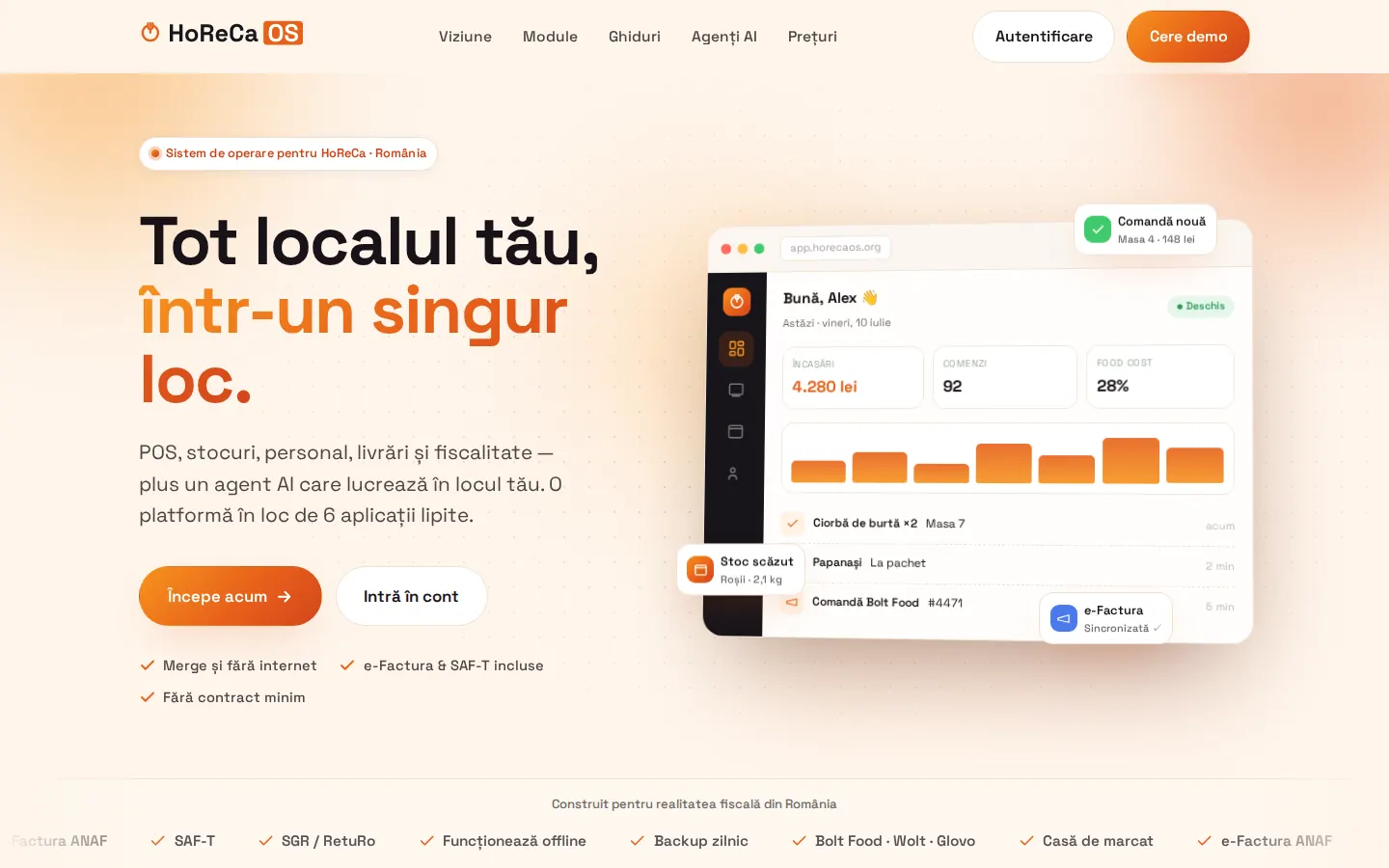
A typical restaurant works with 6–10 apps that don't talk to each other: the till, the stock spreadsheet, the WhatsApp group for shifts, the delivery platforms. HoReCaOS, our own product, brings them into one place: POS for dine-in, counter and delivery, stock with goods receipt notes, recipes per sales channel and food cost, shifts and time tracking with GPS, QR or NFC. Modules are activated separately, from €5 a month per module.
If you first want help choosing what to do and in which order, we also do HoReCa consulting: advice on stock, goods receiving and shifts, plus food cost and margins by channel. Pricing is quoted on request, once we see your situation.
Steps
- Name an owner for each areaThe floor, kitchen, purchasing and money each get a name, plus a short list of what each person decides alone.
- Write down the order flowThe order is entered once and reaches the kitchen, bar and till on its own, tracked by channel.
- Put stock in orderGoods receipt note at every delivery, exits driven by recipes and a short weekly count on expensive items.
- Centralize shiftsA schedule published ahead of time in one place, with swaps and time tracking recorded on the spot.
- Check the same numbers every weekSales by channel, food cost, staff cost and losses, at the same hour, not only at month end.
Frequently asked questions
Where do I begin when I want to organize a restaurant?
With roles and the order flow: decide who owns the floor, kitchen, purchasing and money, then how an order travels. Stock, shifts and numbers come after, and you choose software only once you know what it has to do.
How often should I count stock?
A short weekly count on your most expensive items, and a full one at the interval your accounting requires. Small frequent checks catch problems sooner than big, rare ones.
Does a small restaurant need software?
Not necessarily at the start. Paper and a spreadsheet are enough for one simple venue; software starts to pay off when the same information is rewritten in several places or when you add locations, delivery and staff.
How much does HoReCaOS cost?
Modules are activated separately, from €5 a month per module. You pick only what you need, for example POS, stock or shifts.
Can you help me organize an existing restaurant?
Yes, through HoReCa consulting: food cost, margins by channel, and operational advice on stock, goods receiving and shifts. Pricing is quoted on request, once we see your situation.